Notetaker
Listens to meetings and produces written meeting intelligence.
- Records and transcribes the meeting
- Identifies speakers
- Creates a summary, decisions, and action items
- Keeps the transcript available after the meeting
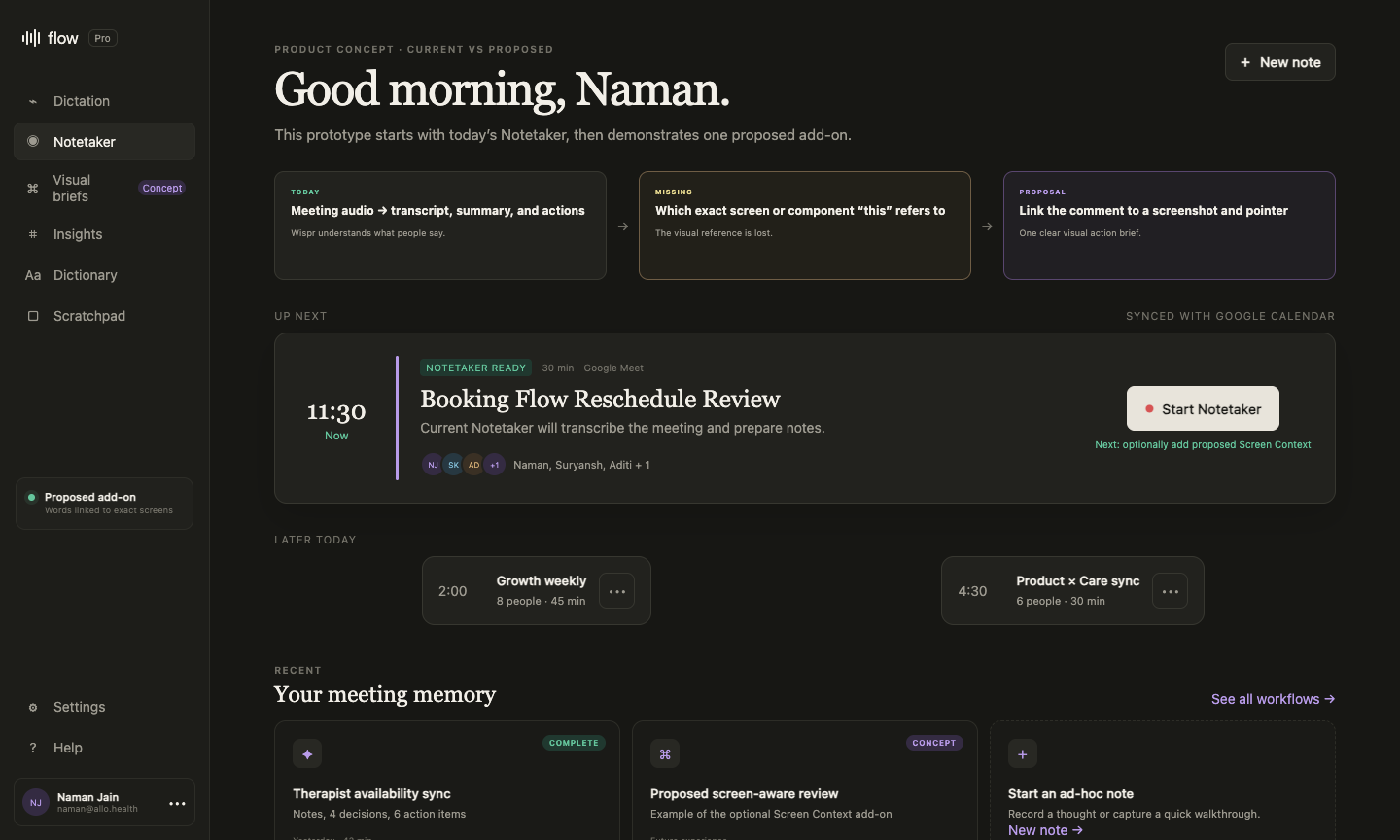
Today, Notetaker listens to a meeting and creates notes. But if someone shares a product screen and says “change this banner,” the note keeps the words—not which banner they meant. I am proposing an optional way to save that missing visual context.
01 · Today
Wispr has two separate products. Notetaker captures meetings. The Fn Flow bar dictates into whichever text field is active. This proposal changes Notetaker only; the Fn dictation feature is not part of it.
Listens to meetings and produces written meeting intelligence.
In my live test, Wispr returned notes, a summary, a transcript, and action-item fields. It did not return screenshots, pointer locations, or screen-state references.
02 · What gets lost
“Make this background light yellow, bold the timer, and keep the same 20-minute rule.”
Someone reopens the product, finds the screen, takes a screenshot, rewrites the decision, and explains it again to a designer, engineer, or agent.
03 · Proposal
Before a screen-based review, Wispr asks whether the presenter wants to share one screen, window, or tab. If they agree, Wispr can connect important comments to the exact thing being shown.
Audio → transcript → summary and actions
Audio + selected screen + pointer → clear visual action
04 · How it works
Screen Context is an add-on for meetings where the screen matters. Audio-only meetings can continue exactly as they do today.
Wispr continues recording, transcribing, and summarising the meeting exactly as it does today.
The presenter chooses one screen, app window, or browser tab for this meeting only.
When a decision is made, Wispr links the quote to the visible screen and pointer location.
After the meeting, the user checks the screenshot, requested change, owner, and source quote before sharing it.
05 · Result
The goal is not to collect more meeting content. It is to remove the manual work of explaining the same visual decision again.
Replay only the important screen moments.
Send the approved brief to Codex or Claude.
06 · Safety
Screen access is more sensitive than meeting audio. The feature only works if permission, visibility, deletion, and review are designed into the main experience.
This is an independent proposal, not a current Wispr feature. It should begin with one selected source, key screenshots, and a human-reviewed brief—never continuous surveillance or automatic execution.
The recommendation